Pokémon Gengar RGB XXL Gaming Mouse Pad – LED Backlit Desk Mat for Keyboard & PC Setup
Pokémon Gengar RGB XXL Gaming Mouse Pad – LED Backlit Desk Mat for Keyboard & PC Setup
Regular price
$65.99 CAD
Regular price
$0.00 CAD
Sale price
$65.99 CAD
Shipping calculated at checkout.
Quantity
Couldn't load pickup availability
595 in stock
SPECIFICATIONS
- Brand Name: Third-party manufacturer
- Item Type: Cartoon household goods
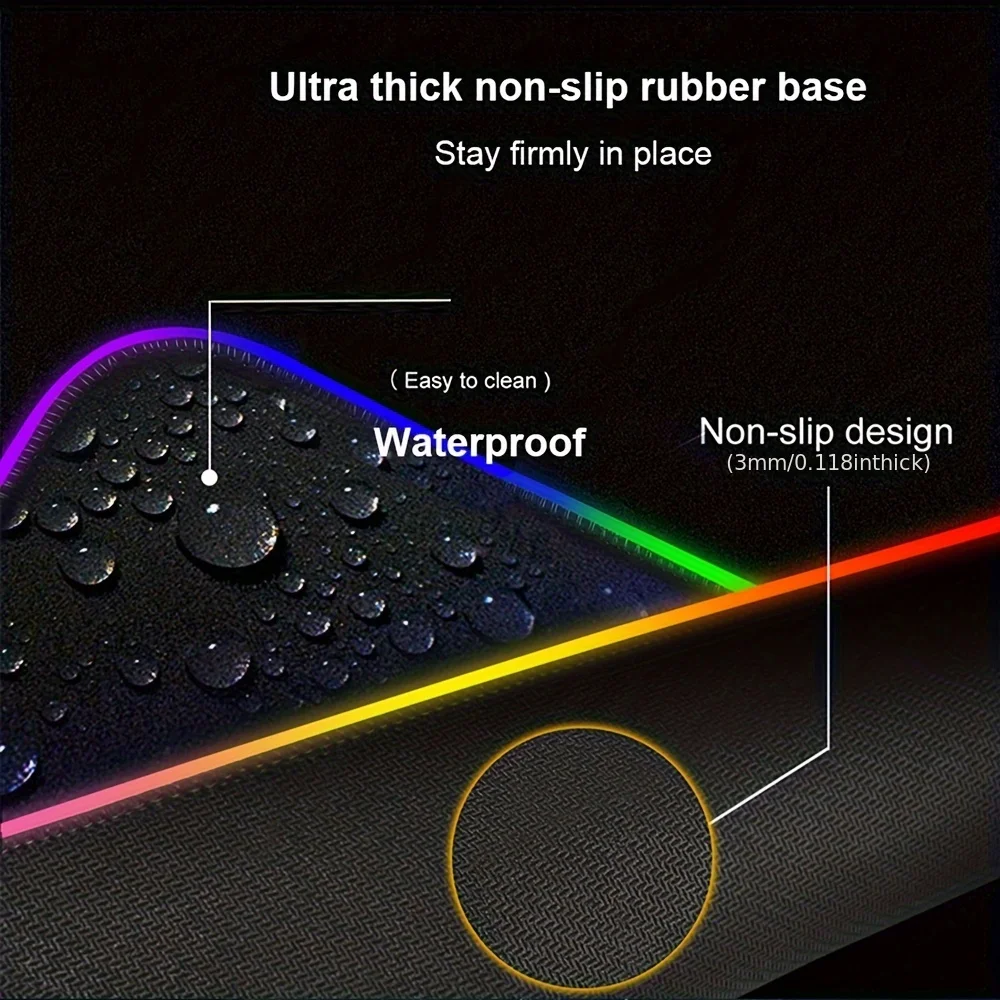
- Material: Rubber + cloth surface
- Thickness: 3mm
- Theme: Movie & TV inspired / anime-style design
- Is Electric: No
- High-concerned chemical: None
- Origin: Mainland China
- Recommend Age: 14+ / 18+
- Color: As shown in product images
- Usage: Home / Office / Gaming / Gift / Desk mat
Available Sizes
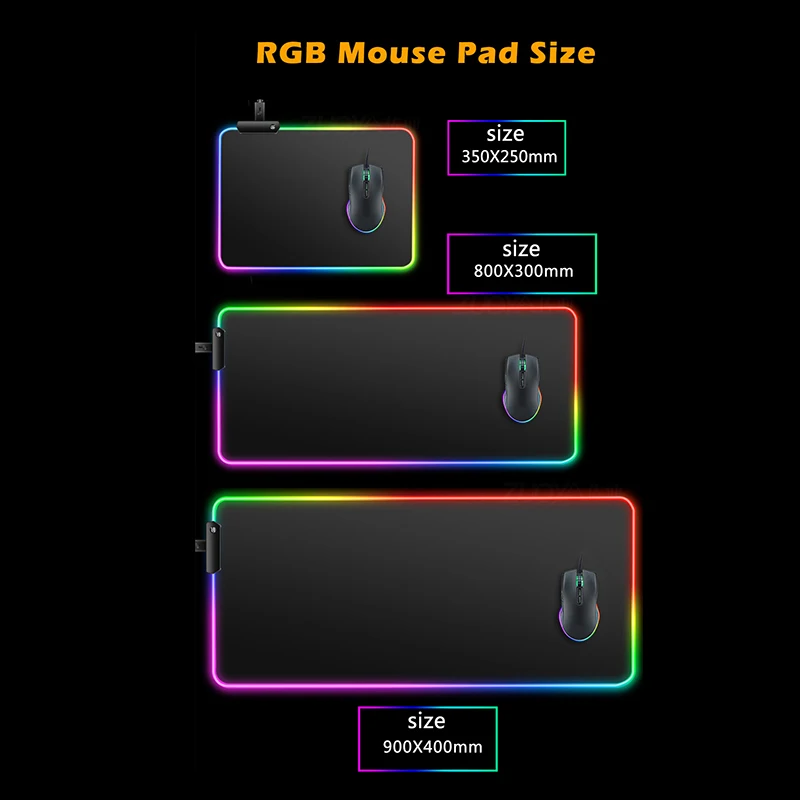
- 350 × 250 mm
- 600 × 300 mm
- 800 × 300 mm
- 900 × 400 mm
Product Functions
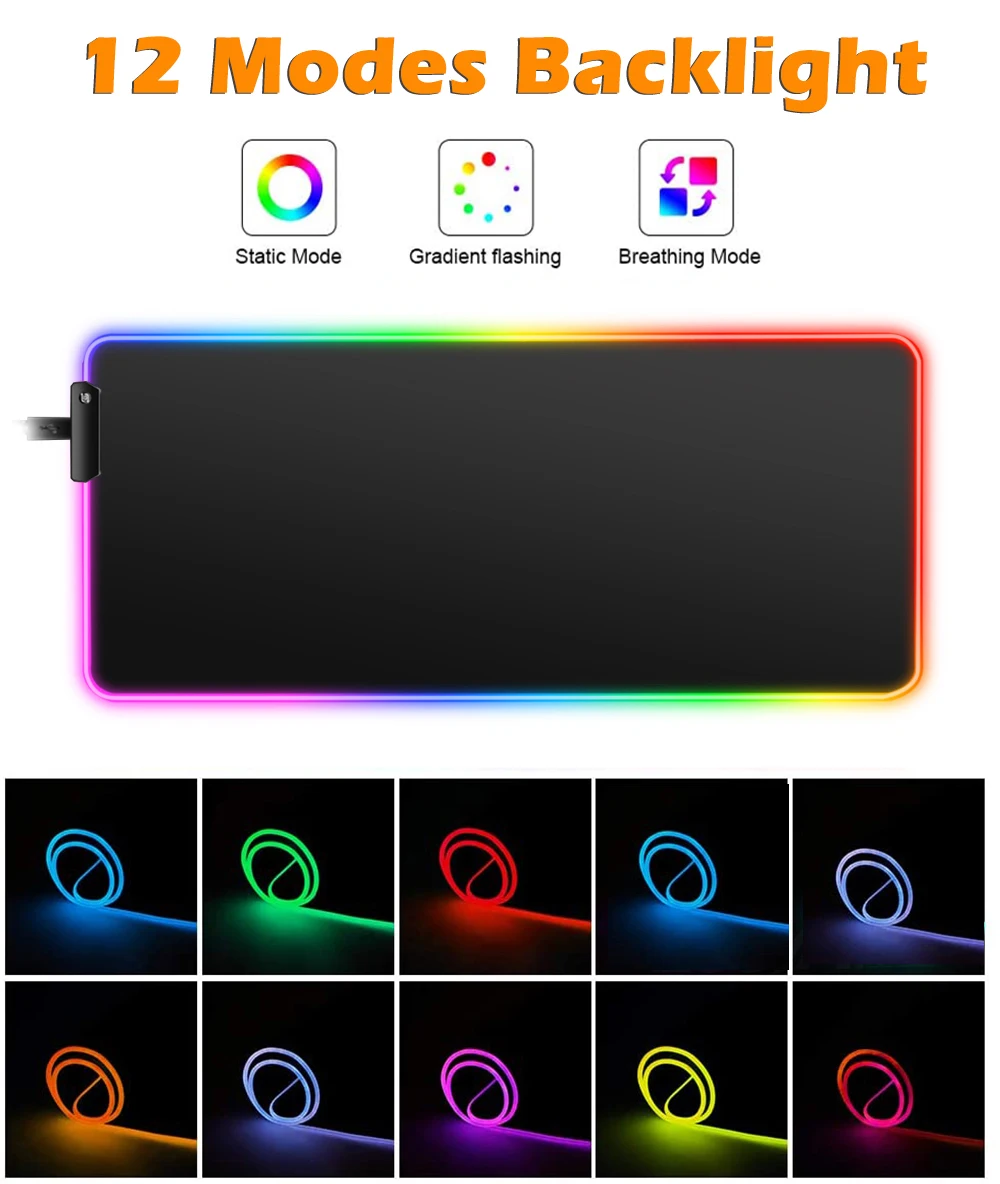
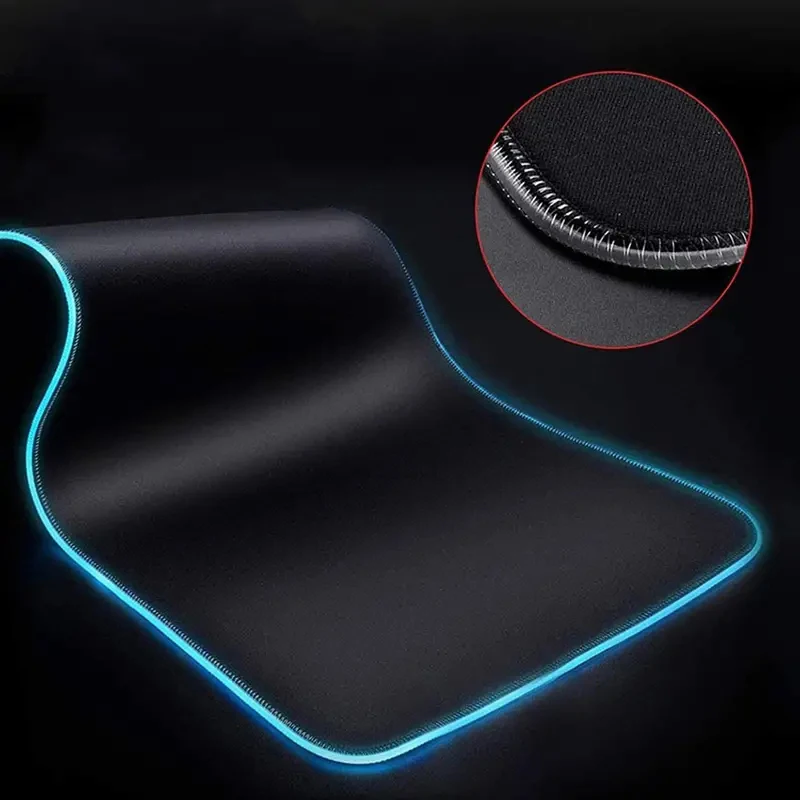
- RGB lighting mouse pad (gaming style)
- LED backlight desk mat
- Large gaming mouse pad (XXL style)
- Rubber anti-slip base design
- Extended keyboard & mouse support
- Computer desk protection mat
- Gaming surface optimization pad
IMPORTANT SHIPPING NOTICE
- Processing time: 1–3 business days before dispatch
- Delivery time: 7–20 business days (varies by destination)
- Tracking: Provided for all orders
- Packaging: Secure rolled protective packaging
- Customs/import fees: May apply depending on destination country and are the buyer’s responsibility
- Delivery delays: May occur during peak seasons or customs inspections